

Moving my blogs from Ghost to Fumadocs.
My journey from three self hosted Ghost blogs to a shared Fumadocs setup, with an Astro migration, content cleanup, and a few detours along the way.
Over the last few months, I have been moving my three blogs, sayakm.me, cmdrgarud.blog, and garudkarmadei.blog, from self-hosted Ghost to a setup built around Next.js and Fumadocs. The blogs are now using that setup, although getting here also involved a complete migration to Astro along the way.
I wanted to simplify things, so naturally, I migrated twice.
Why I wanted to move off Ghost
Ghost had served me quite well, and when I started my personal blog, I liked being able to open an editor, write something, upload a few images, and publish it without having to think much about the website itself. Self-hosting gave me control over the installation too, although that also meant I was responsible for everything needed to keep it running, including the parts I could happily ignore until it was time for an upgrade.
I had already written about upgrading my multi instance Ghost setup, which involved an old Ubuntu installation, Node upgrades, rebuilding everything on another DigitalOcean droplet, and fixing a few things that did not quite survive the backup and restore process. It all worked eventually, but having gone through that exercise, the idea of keeping my articles as files in Git and building static sites from them was quite appealing. There would still be dependencies and build tools to maintain, of course, but editing files locally and checking changes into a repository was a workflow I was already comfortable with.
The first migration: Ghost to Astro
My first attempt at this used Astro, and before I could do much about how the blogs looked, I had to get the content out of Ghost and work out what to do with everything in the exports. You see, along with the text of the articles, there were publication dates, tags, drafts, standalone pages, image references, and various bits of Ghost-specific information, all of which needed some attention before they could become content for the new sites.
Cleaning up the exports
There was some less pleasant clean-up as well, as one of the exports contained injected SEO spam and seventeen paragraphs had to be removed from the CMDR Garud posts. Some of the modification timestamps also reflected those unwanted edits, so the original publication timestamps were used instead, and checking the contents of the exported articles became an important part of the migration.
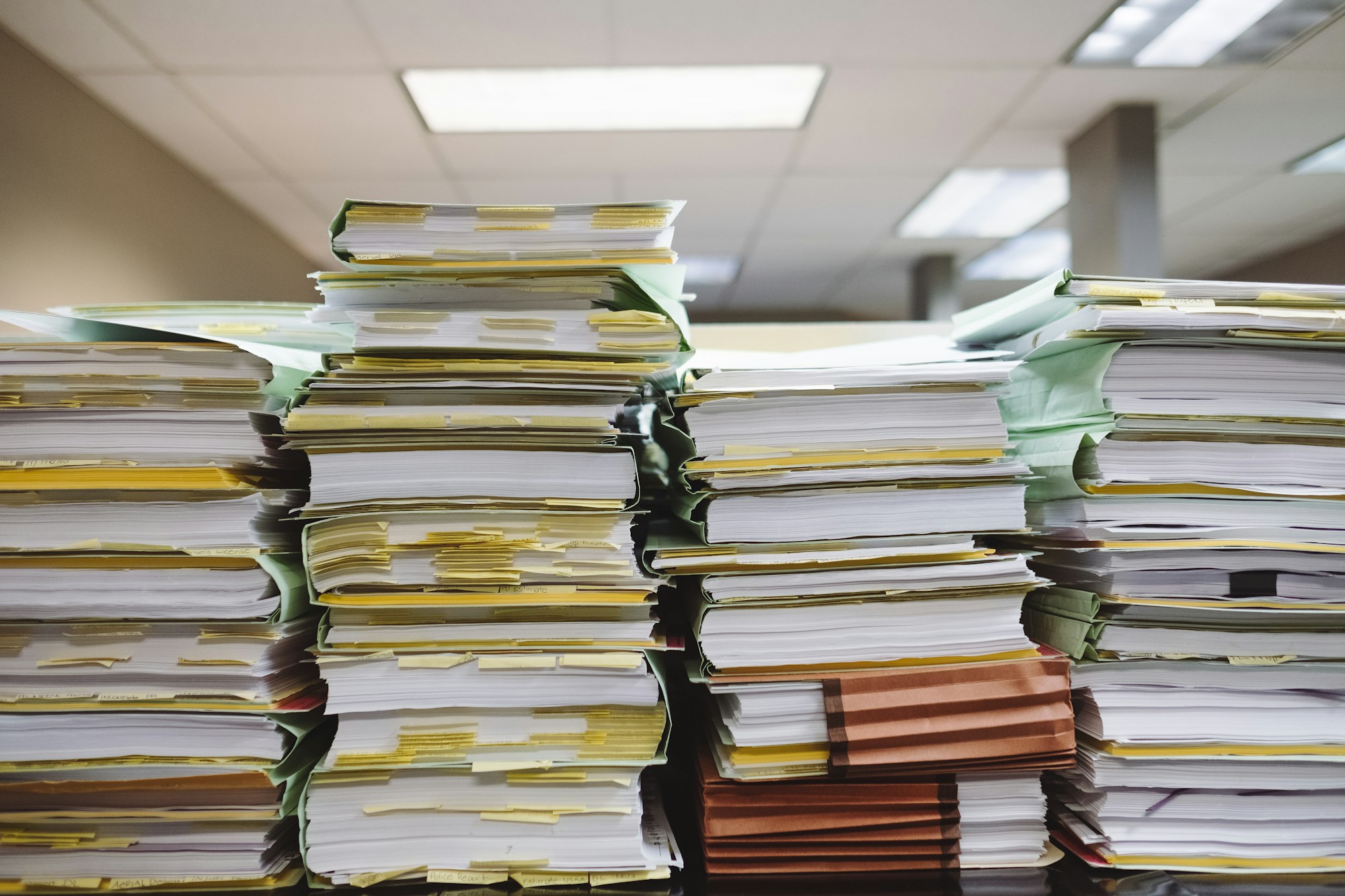
The images needed a pass of their own because, apart from the locally uploaded files, there were externally hosted images, profile pictures, covers, and downloadable documents to account for. Copying files into another directory was straightforward enough, but checking that every article still pointed to the right image (including matching the filename casing) and that the credits survived the move took more attention. I am nitpicky about this stuff, and having the text appear correctly while quietly losing an image or its attribution would have bothered me.
Then there was the question of what actually counted as a blog post, because the exports also included standalone pages and old Ghost subscription pages that needed different treatment. An About page still needed its own route while staying out of the article feed, unfinished posts needed to remain unpublished, and the subscription pages did not have much purpose in the setup I was building.
Bringing the three sites together
Once all of that was sorted out, I had three working Astro sites, each in its own repository, which had been a reasonable way to handle the initial conversions independently. It became cumbersome once the sites started sharing the same rendering and styling, though, because a change to the article layout meant repeating the same work across all three repositories and making sure they stayed consistent.
So, I consolidated the source into an NPM workspace monorepo, with each blog keeping its own content, images, configuration, and identity, while the common rendering and presentation went into a shared theme package. This gave me one place to make a layout change and still allowed the three applications to be deployed independently, which was the arrangement I wanted to keep as the work continued.
My experience with Fumadocs
Before trying it for the blogs, I had already been using Fumadocs for documentation in other projects, including KFlared and GOLFS, and had spent some time working with its layouts, navigation, and search. Those sites also used Markdown and MDX content in a statically exported Next.js application, so I had some familiarity with both the authoring workflow and the way the site was built.
I had also spent some time comparing those sites with a fresh Fumadocs scaffold and working out the difference between the packaged components and the files installed by the CLI. With the documentation sites, I was largely importing the layouts from packages, whereas the blog integration installed its components as source in the application. That meant the blog would give me a familiar foundation, with some additional component code to maintain as part of my own setup.
The second migration: Astro to Fumadocs
By this point, the blogs also had a shared Casper-inspired theme and had been through further design work, so I already had working Astro sites when I started experimenting with Fumadocs for the blogs. I tried the Fumadocs blog sample separately first, as it gave me a concrete starting point for Markdown and MDX rendering, article navigation, search, and the surrounding layout, and then started bringing the production blogs over.
Now, one thing I kept coming back to during this part was how closely to follow the sample. I already had an Astro implementation with its own conventions, and it was tempting to carry those conventions into the new setup. That led to extra wrappers, compatibility code, and abstractions around things the sample already handled, some of which then had to be removed as the migration progressed. I wanted to reduce duplication between the blogs, but I also wanted to be able to look at the sample alongside my implementation and understand how the two related without tracing through several layers of my own additions.
Sharing the content configuration
Sharing the content configuration turned out to need some adjustment too, as putting the collection definitions in the common package seemed reasonable with three applications consuming the same theme. The Macro API used by the sample had restrictions around declarations outside the application root and imported collection options, which got in the way of that arrangement. I ended up using the configuration-file approach, where Fumadocs generates entry files for the collections, allowing each application to load its own content while keeping the definitions in the shared package.
Another pass through the content
The articles themselves needed another conversion pass, with Astro’s pubDate becoming date, image metadata changing to match the new schema, and assets moving from src/assets into public/images, along with the corresponding changes to references in the content. There were smaller rendering fixes along the way too, including moving one article to a native MDX file and changing a code fence that used an unsupported language name. All of that gave me plenty of reasons to open the rendered articles and check them as I went.
Even the smallest blog managed to expose an edge case during static export, as its single post had no tags and therefore left the dynamic tag route without any tag parameters to generate. That became a build blocker during the migration, and giving the post its appropriate diary tag resolved the immediate issue, although it was another reminder that the sample needed to be tried against the actual content of all three blogs.
Draft handling also deserved some care because, in this setup, adding a draft field to frontmatter (the metadata at the top of the file) does not automatically prevent a document from being compiled and published. I moved unfinished articles into a separate directory outside the published collection, so keeping them out of the generated site follows from where the files are stored. I find that boundary easier to work with when adding or editing a post.
Getting the reading experience right
Once the content compiled and the sites built, I could spend more time on the reading experience, which eventually became Umbra, the shared design used by all three applications now. That involved the article layouts, typography, navigation, image credits, and homepage behaviour. Having the existing posts available was helpful because a layout that looks fine with a short sample article can behave quite differently when it has to accommodate long headings, screenshots, code blocks, and years of content.
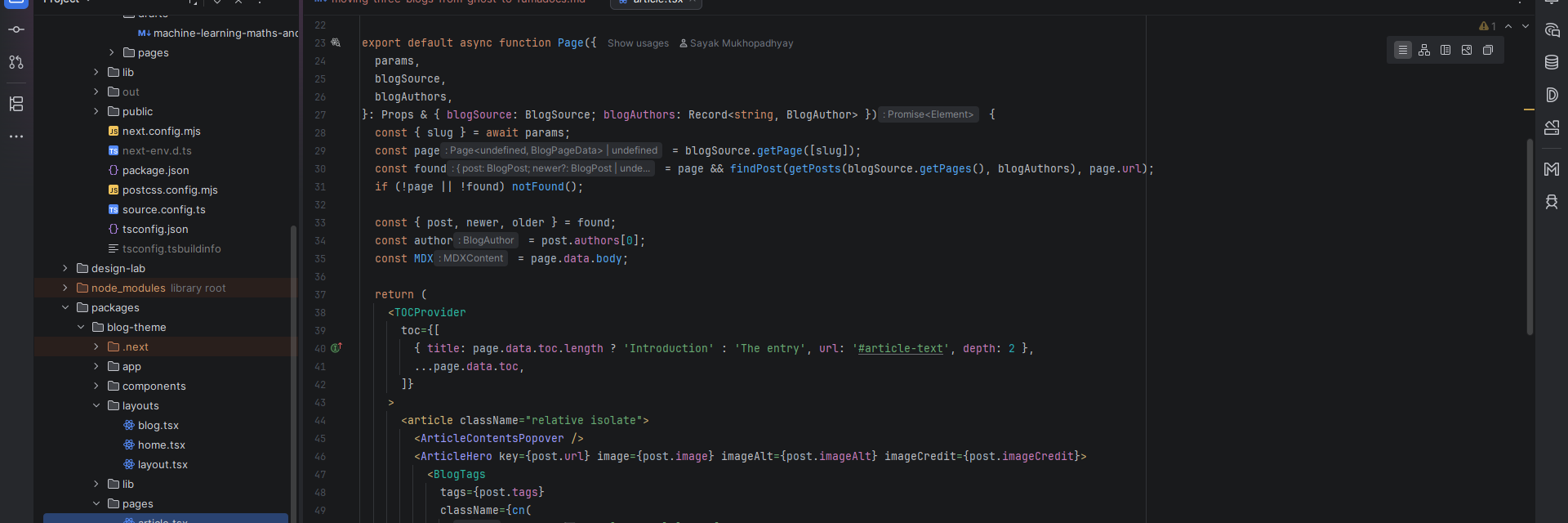
One particularly annoying issue involved the homepage remembering an old scroll position, so after visiting an article and returning, refreshing the homepage could send it back to somewhere I had scrolled earlier. Everything built successfully and the content was present, but actually using the site exposed the problem, which was fixed by limiting that restoration to an explicit return from an article and letting the browser handle ordinary reloads.
Pages, feeds, and deployment
Some features also returned after the main framework migration, with standalone pages being brought back first, followed by RSS and then full article content in the feeds. Getting the core migration working before returning to those features made them easier to handle individually, especially while the presentation was also being worked on.
For deployment, the source workflow builds and validates all three applications before handing their static artifacts to the corresponding GitHub Pages repositories, which then deploy the supplied output. That allows the source, theme, and content to stay together in one place while each blog keeps its own deployment destination.
Where I ended up
Looking back over the whole thing, the work was spread across content clean-up, framework changes, shared configuration, deployment, and the smaller visual and behavioural details that came up while using the sites. Each part was manageable on its own, but taken together they made this a much longer journey than exporting some posts and choosing a theme, particularly when a second framework migration became part of it.
I am happy with where it has ended up, though, as I now have three blogs with their own content and identities, and Markdown and MDX files in Git. The shared implementation gives me one place to maintain the parts they have in common. There is still maintenance involved, but I have a workflow I understand and can use for the next article as well as the next change to the sites.
All that remains is to write regularly. I expect that migration to take a little longer.